
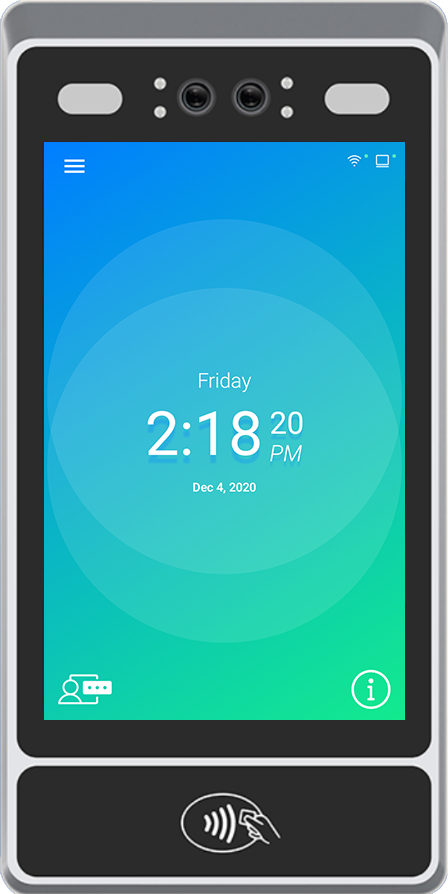
1. Tap  to open the menu
* The front facing camera view may be displayed
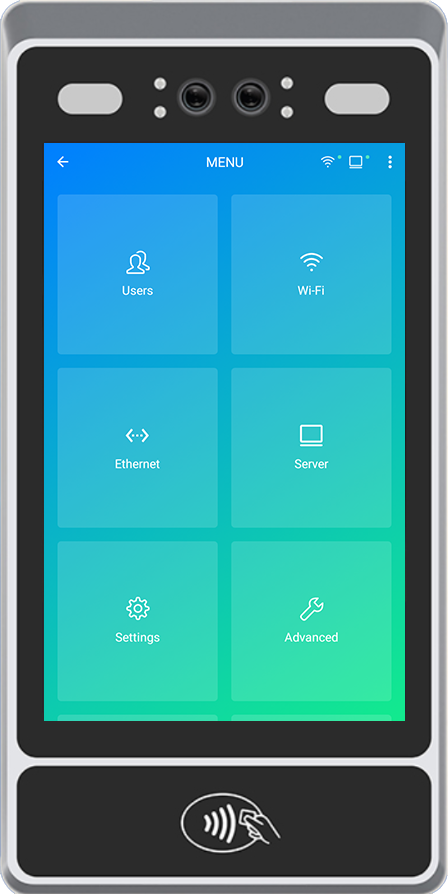
2. Tap  to open the Employee List
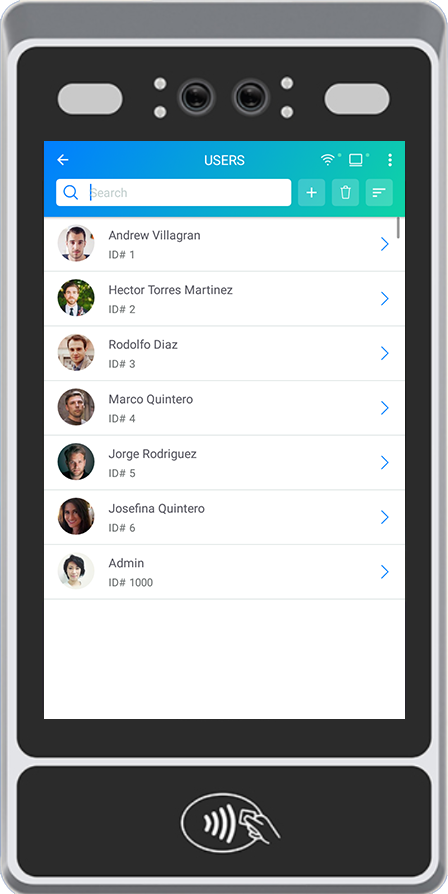
4. Tap 
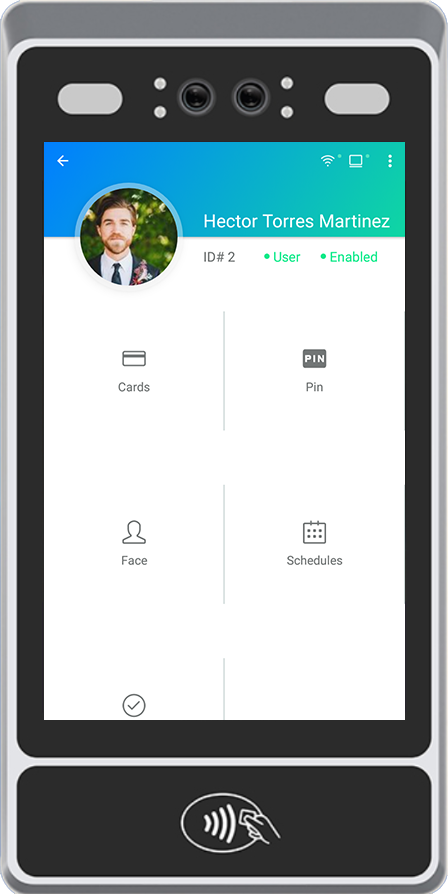
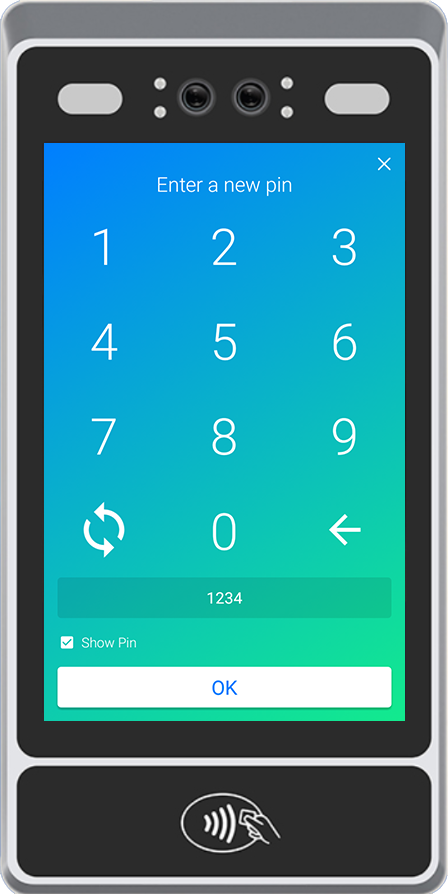
5. Enter a Pin # and tap 

1. Tap to open the menu
* The front facing camera view may be displayed
2. Tap to open the Employee List
4. Tap
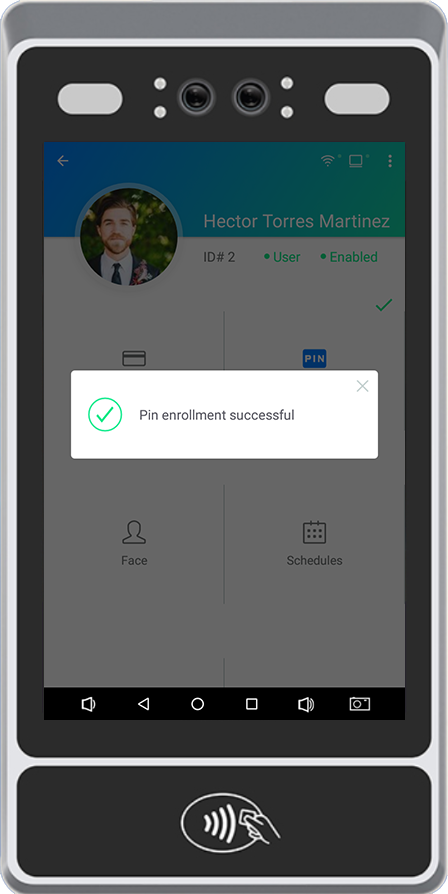
5. Enter a Pin # and tap